Rounds change every week
A restaurant may need an early collection, a missed stop may need to move and a new customer has to fit into an already busy round. Static spreadsheets make every change manual.
For UCO collectors
Build denser restaurant rounds, give drivers the right collection details and keep the job record connected to the invoice.
14 days with the full PaperRoute system. No card, no automatic conversion, and no obligation to continue.
A closer fit
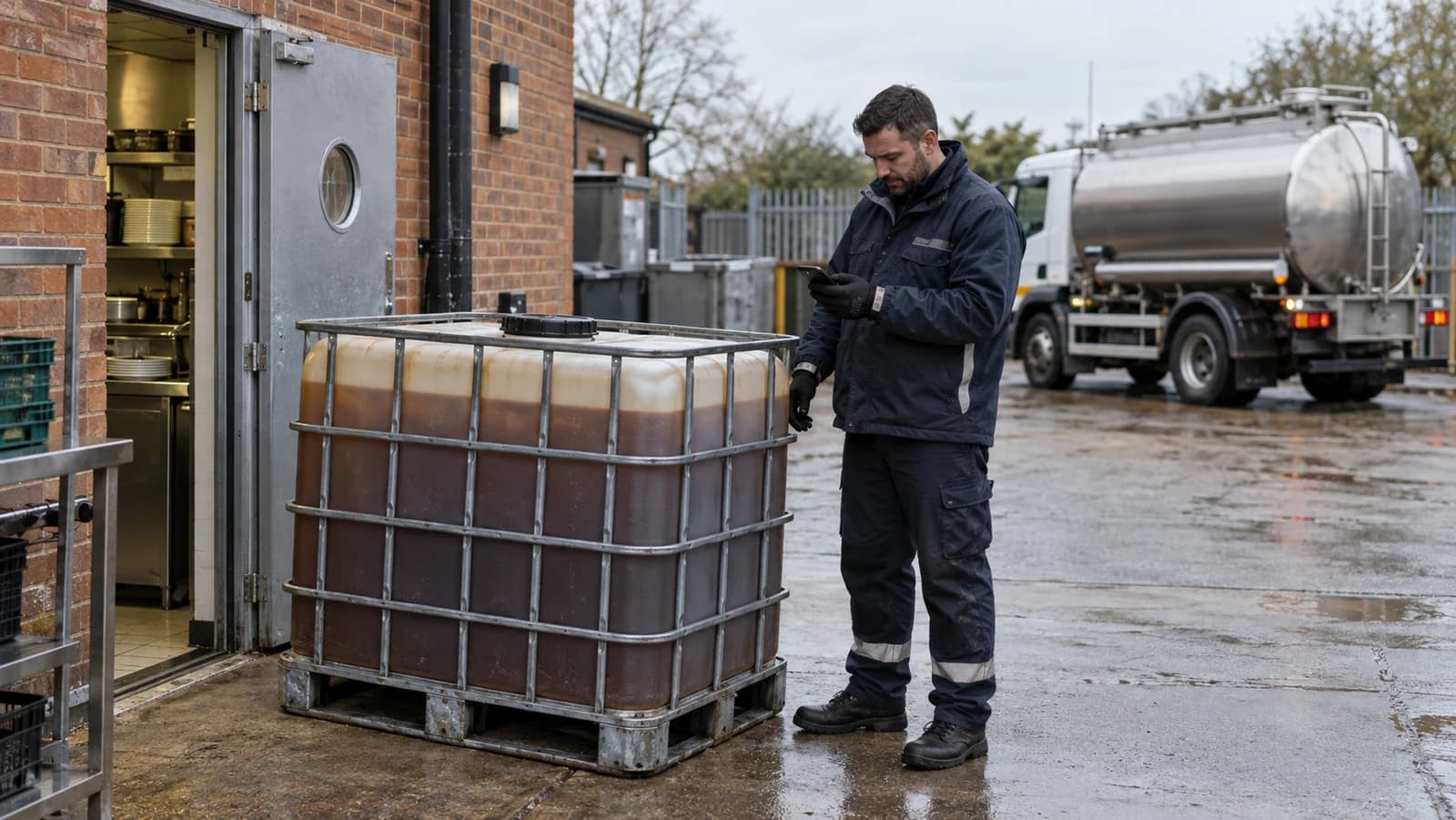
Used cooking oil rounds combine frequent hospitality stops, changing collection quantities and time-sensitive access windows. PaperRoute puts the customer, route, driver record, waste paperwork and accounting hand-off into one workflow, so the office does not have to reconstruct each pickup from messages and handwritten notes.
Best suited to
Independent cooking-oil recyclers and regional UCO collectors running repeat restaurant, hotel, takeaway and food-production rounds with office and driver teams.
A restaurant may need an early collection, a missed stop may need to move and a new customer has to fit into an already busy round. Static spreadsheets make every change manual.
Container details, collected quantity, photos and signatures often arrive through different channels. That leaves the office matching evidence to jobs after the vehicle returns.
Whether you charge for a service or purchase recovered oil under an agreed arrangement, the commercial record needs to follow the completed collection without being typed again.
One connected flow
The detail changes by sector. The principle does not: capture the information once, at the point where it is known, and keep it with the job.
Keep each site, access note, contact and agreed collection pattern together, then sequence the day around the jobs that are actually due.
Drivers see the ordered stops and site instructions in the Android or iOS app, including when the device temporarily loses signal.
Record the waste stream, quantity, photos, notes and signature against the job instead of sending the office a separate paper ticket.
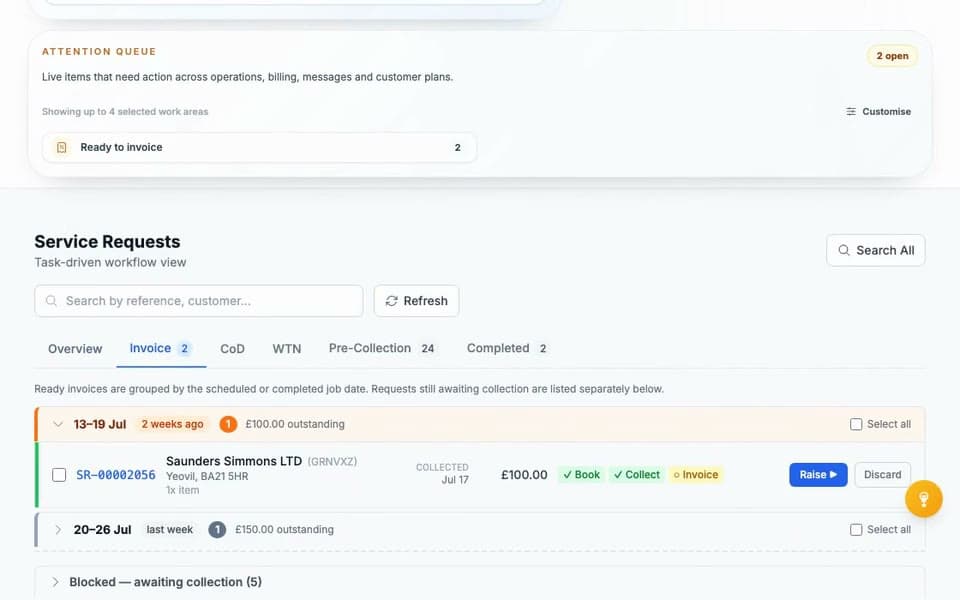
Use the completed collection record to support customer invoicing or your reviewed self-bill workflow, with Sage, QuickBooks and Xero connections available.
PaperRoute in practice
PaperRoute is most useful where route density, driver evidence and finance admin meet. Every team works from the same customer and job record.
Compliance context
Used edible cooking oil should not be described as waste motor oil. The correct description, classification and paperwork depend on the material and the movement.
For non-hazardous commercial waste movements, a Waste Transfer Note or alternative document containing the required information is normally used. A season ticket can cover qualifying repeat transfers, but the parties should still keep an accurate record of individual collections.
PaperRoute helps capture and retain operational records; the waste operator remains responsible for choosing the correct code, description and legal process.
This page is operational information, not legal advice. Check current guidance for your role, nation, material and activity.
Operational outcomes
Move stops and handle exceptions in the same system used by the driver rather than rebuilding the day in messages.
Keep the time, site, waste details, notes, signature and supporting photos against the completed job.
Carry reviewed collection data forward instead of asking accounts to interpret paper tickets at the end of the week.

Just a small operation?
PaperRoute Lite is our lightweight £9.99 + VAT/month app for sole traders and one-van carriers — the compliance essentials on your phone, nothing more.
Keep researching
These articles answer the operational and compliance questions around this workflow without competing with the software page.
Common questions
Yes. You can keep repeat jobs and customer details together, build the day's route and send the ordered stops to the driver app. The office can adjust work when a customer needs an earlier pickup or a stop changes.
Yes. The PaperRoute driver app is designed to keep core collection work available offline and sync when connectivity returns, which is useful at rear service yards and industrial sites.
Not always. A season ticket can cover qualifying recurring transfers of the same non-hazardous waste between the same parties for up to a year, but collection-level records still matter. Confirm the right arrangement for your operation.
No. PaperRoute can store configured waste streams and codes, but your business remains responsible for accurately classifying the material and checking the record before use.
Related industries
Choose what suits you
If you are ready to test PaperRoute with your own operation, start the assisted 14-day trial. If you would rather talk it through first, book a live demo at a time that works for you.
Ready to get going?
Tell us about your operation and we will configure a useful starting point. Your trial begins only when the system is ready and you say go.
Want a walkthrough first?
Choose a convenient time for a focused 30-minute call. We will show you the relevant workflows, answer your questions and help you decide whether the trial is the right next step.
Or call 03333 707007.