Site details are operationally critical
Gate times, access points, contacts, service history and disposal instructions need to reach the driver accurately, not live in someone's inbox.
For liquid waste operators
Coordinate booked and reactive tanker work while keeping site evidence, waste records and invoice details on the same job.
14 days with the full PaperRoute system. No card, no automatic conversion, and no obligation to continue.
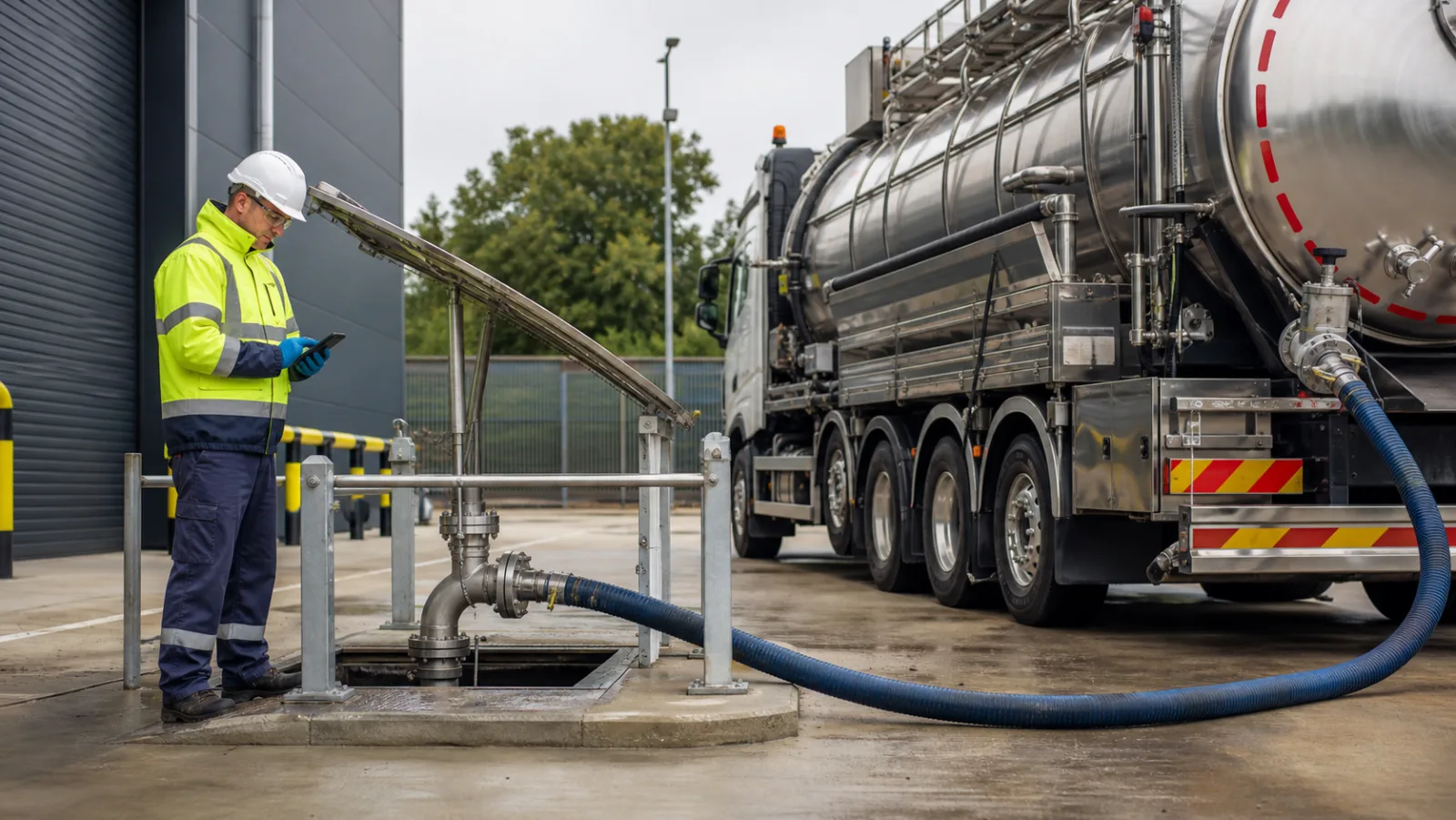
A closer fit
Interceptor, gully, grease-trap and industrial liquid-waste jobs are shaped by site access, disposal arrangements and changing daily priorities. PaperRoute gives dispatch, drivers and accounts one view of the job without claiming to replace the technical controls your tanker operation already relies on.
Best suited to
Regional vacuum-tanker and liquid-waste contractors managing planned service visits, urgent call-outs and commercial multi-site accounts.
Gate times, access points, contacts, service history and disposal instructions need to reach the driver accurately, not live in someone's inbox.
An urgent blockage or spill response can force dispatch to reallocate work while customers still expect updates on planned visits.
Liquid waste is not one classification. The correct description, consignment process and destination depend on the actual contents and whether the waste is hazardous.
One connected flow
The detail changes by sector. The principle does not: capture the information once, at the point where it is known, and keep it with the job.
Store the contact, access, service scope and configured waste details with the job, including recurring maintenance visits.
Sequence work using truck-aware routes and send live job details to the allocated driver's mobile app.
Capture notes, photos, signatures, waste information and exceptions against the service reference, even when signal is poor.
The office checks the completed record, issues the appropriate configured customer documents and progresses approved charges to accounts.
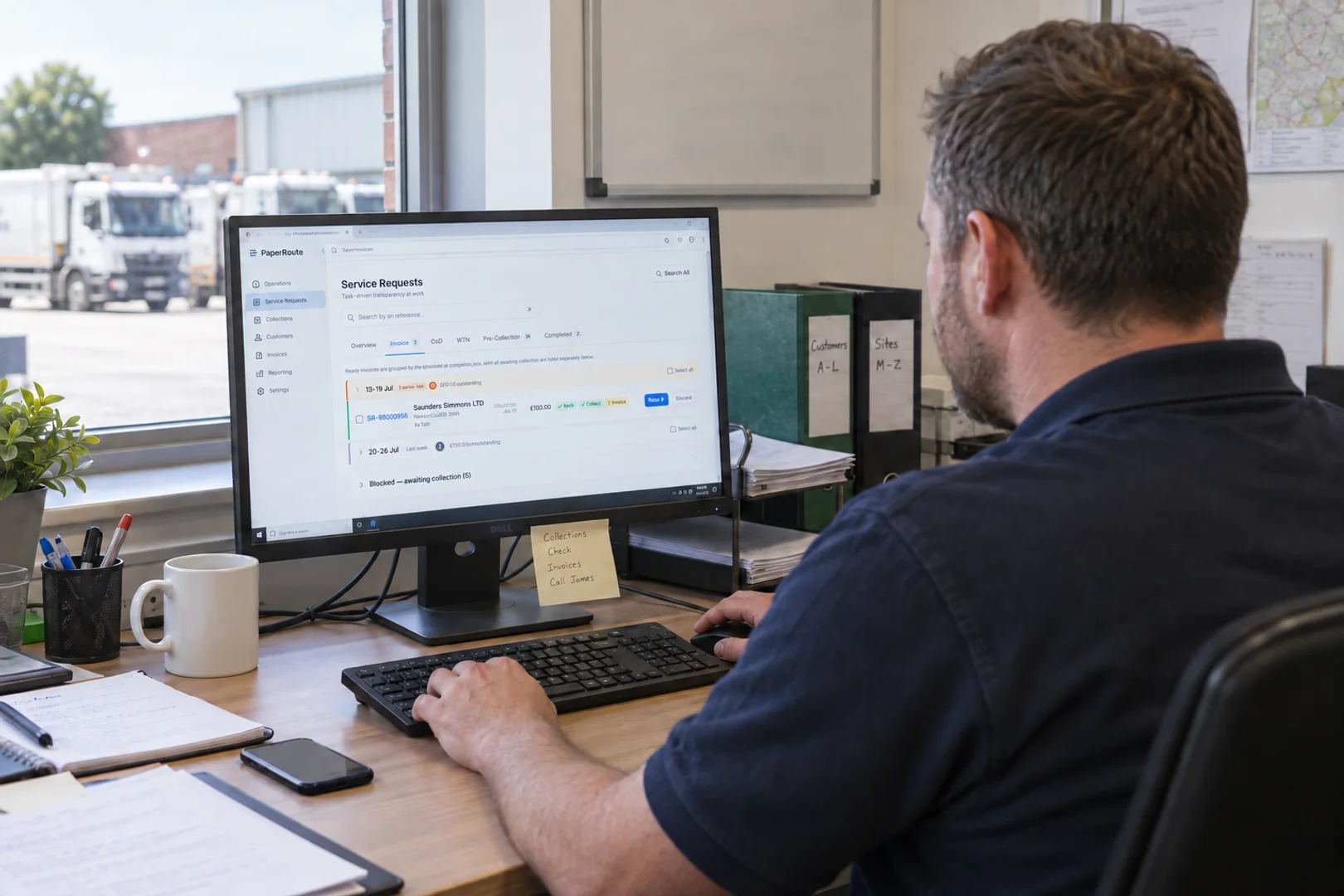
PaperRoute in practice
PaperRoute handles the customer, route, driver and document flow. It does not pretend to be a tank-capacity, lab-analysis or vehicle-control system.
Compliance context
A liquid is not automatically hazardous or non-hazardous because of the vehicle collecting it. Waste classification must reflect the source, composition and relevant hazardous properties.
Non-hazardous transfers generally use waste transfer information. Hazardous waste movements require the applicable consignment-note process. Gully, interceptor, sewage and industrial liquids can also sit under different rules and exclusions.
PaperRoute can present configured workflows and create documents from recorded data, but your business remains responsible for sampling where needed, classification, permits, acceptance checks and the authorised destination.
This page is operational information, not legal advice. Check current guidance for your role, nation, material and activity.
Operational outcomes
See allocated, in-progress and completed work without calling every driver for an update.
Retain access notes, service evidence and completed documents in a searchable customer record.
Give the office the job evidence it needs to review charges and raise or consolidate invoices.
Keep researching
These articles answer the operational and compliance questions around this workflow without competing with the software page.
Common questions
No. PaperRoute manages jobs, customers, routes, driver records, documents and invoicing. Specialist vehicle controls, capacity calculations and technical treatment systems remain outside its scope.
Yes. Repeat visits can be kept with the customer and included in the daily plan alongside reactive work, with site instructions sent to the driver app.
It depends on the waste. Non-hazardous transfers generally use waste transfer information, while hazardous movements require the relevant consignment-note process. Classify the actual material and check the applicable rules.
Yes. The configured job workflow can include notes, photos and signatures so the office has more than a handwritten ticket when reviewing the visit.
Related industries
Choose what suits you
If you are ready to test PaperRoute with your own operation, start the assisted 14-day trial. If you would rather talk it through first, book a live demo at a time that works for you.
Ready to get going?
Tell us about your operation and we will configure a useful starting point. Your trial begins only when the system is ready and you say go.
Want a walkthrough first?
Choose a convenient time for a focused 30-minute call. We will show you the relevant workflows, answer your questions and help you decide whether the trial is the right next step.
Or call 03333 707007.