Bookings arrive with incomplete details
Access, material, loading constraints, site contact and destination all matter. Missing one can turn a straightforward job into a delay.
For grab and muck-away operators
Keep bookings, site notes, vehicle routes, material records and charges together from the first call to the final invoice.
14 days with the full PaperRoute system. No card, no automatic conversion, and no obligation to continue.
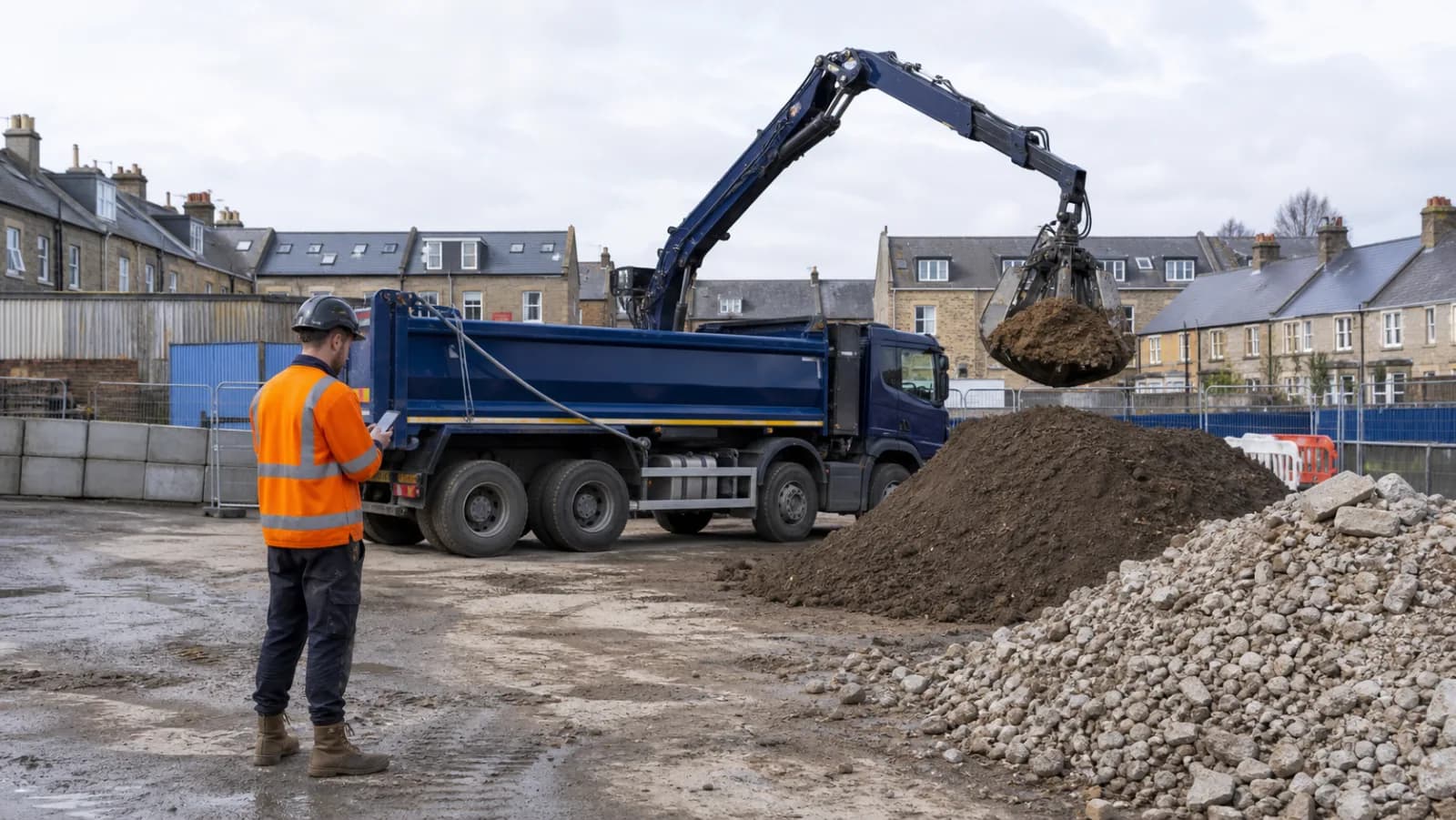
A closer fit
Grab and muck-away work moves quickly: loads change, sites run late and the destination has to accept the recorded material. PaperRoute helps the office dispatch the right job details, gives drivers a waste-specific mobile record and keeps completed evidence ready for invoicing.
Best suited to
Independent grab-lorry, muck-away and construction-waste carriers managing multiple vehicles, repeat trade accounts and a mix of removal and delivery work.
Access, material, loading constraints, site contact and destination all matter. Missing one can turn a straightforward job into a delay.
Height, weight, HGV restrictions and site approach matter when routing larger vehicles through towns and residential developments.
When the driver sheet, WTN and agreed rate are separate, the office has to rebuild the job before an invoice can be raised.
One connected flow
The detail changes by sector. The principle does not: capture the information once, at the point where it is known, and keep it with the job.
Keep the customer, site, contact, access note, material description and agreed service details on one job.
Place planned jobs into a truck-aware sequence and send each driver the latest run and collection information.
Capture configured waste details, photos, notes, times and signatures on the driver app rather than a loose duplicate pad.
Generate the digital WTN from reviewed job data and move the completed service towards the right customer invoice.
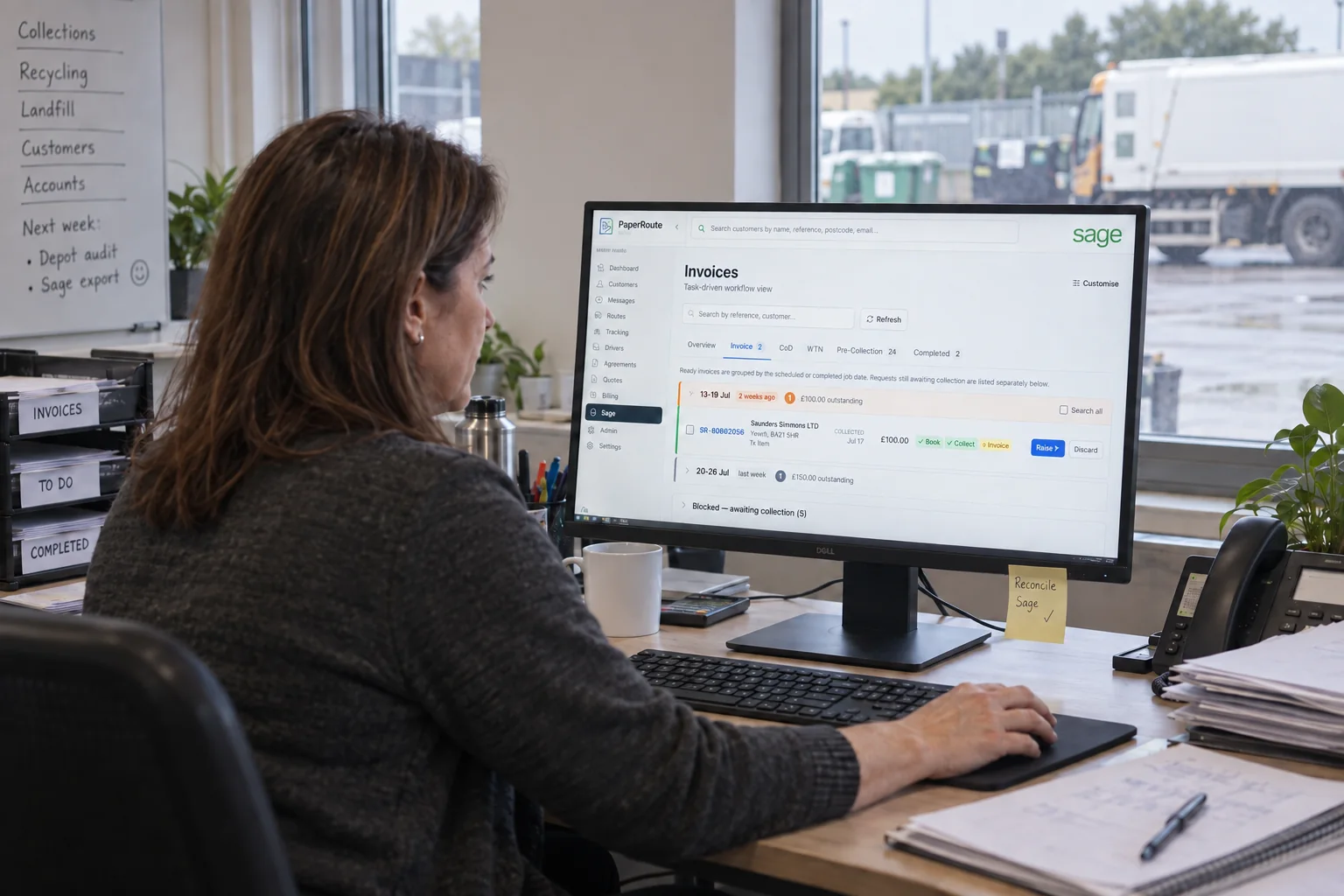
PaperRoute in practice
PaperRoute combines the field-service basics with waste records, EWC codes and accounting workflows that generic job tools usually leave to paper.
Compliance context
Muck, soils, stones and mixed construction waste do not share one automatic code. Source, composition, contamination and any testing determine the correct description and classification.
A digital WTN can improve the record, but it does not make an inaccurate description compliant. The carrier and other holders must also use authorised people and destinations suitable for the waste.
Use PaperRoute to control the job data and approved waste-stream choices, while keeping classification and acceptance decisions with competent people in your business.
This page is operational information, not legal advice. Check current guidance for your role, nation, material and activity.
Operational outcomes
Give the driver consistent access, contact and material details before the vehicle reaches the job.
Keep the job details, configured waste description, photos, time and signature together for review.
Connect the agreed work and completed evidence to invoicing without entering the same collection twice.
Keep researching
These articles answer the operational and compliance questions around this workflow without competing with the software page.
Common questions
PaperRoute can manage customer jobs, routes, driver evidence and invoicing. The exact products, pricing and documents should be configured around your workflow during onboarding.
Yes. Its routing uses commercial-vehicle information such as height, weight and HGV restrictions rather than assuming every vehicle can follow a car route.
Yes. Drivers can use the mobile workflow to capture the configured waste information and signature, creating a digital record for office review and PDF generation.
No. PaperRoute can hold configured codes and descriptions, but classification, testing where required and destination acceptance remain the operator's responsibility.
Related industries
Choose what suits you
If you are ready to test PaperRoute with your own operation, start the assisted 14-day trial. If you would rather talk it through first, book a live demo at a time that works for you.
Ready to get going?
Tell us about your operation and we will configure a useful starting point. Your trial begins only when the system is ready and you say go.
Want a walkthrough first?
Choose a convenient time for a focused 30-minute call. We will show you the relevant workflows, answer your questions and help you decide whether the trial is the right next step.
Or call 03333 707007.